Know when the next nap may be due

Track sleep and awake time with one tap. With Pro, Wake Wise estimates when the next sleep may be due from your baby's age and their recent wake windows, so you have a guide without doing the maths yourself.

Baby sleep tracking for iPhone. Free sleep logging, white noise and Live Activity timer. No Wake Wise account required. Upgrade when you want bedtime guidance and care logs.

Wake Wise sleep log showing awake time and a Pro next-sleep estimate

Baby sleep is hard enough without remembering every timestamp

When naps, feeds, and nappy changes blur together, even a simple question can feel difficult: how long have they been awake? Wake Wise keeps the timeline for you and makes the next useful detail easy to find.

  1. Evening

    A next-sleep guide, without the maths

    Add your baby, and Pro uses their date of birth as the starting point for the next-sleep estimate. Once you have logged enough wake windows, it also uses their recent ones. Use the estimate as a guide, and follow your baby's cues when the day changes.

    • ProNext-sleep estimate from your baby's age and recent logged wake windows
    • ProSuggested bedtime in the Live Activity, and bedtime reminders
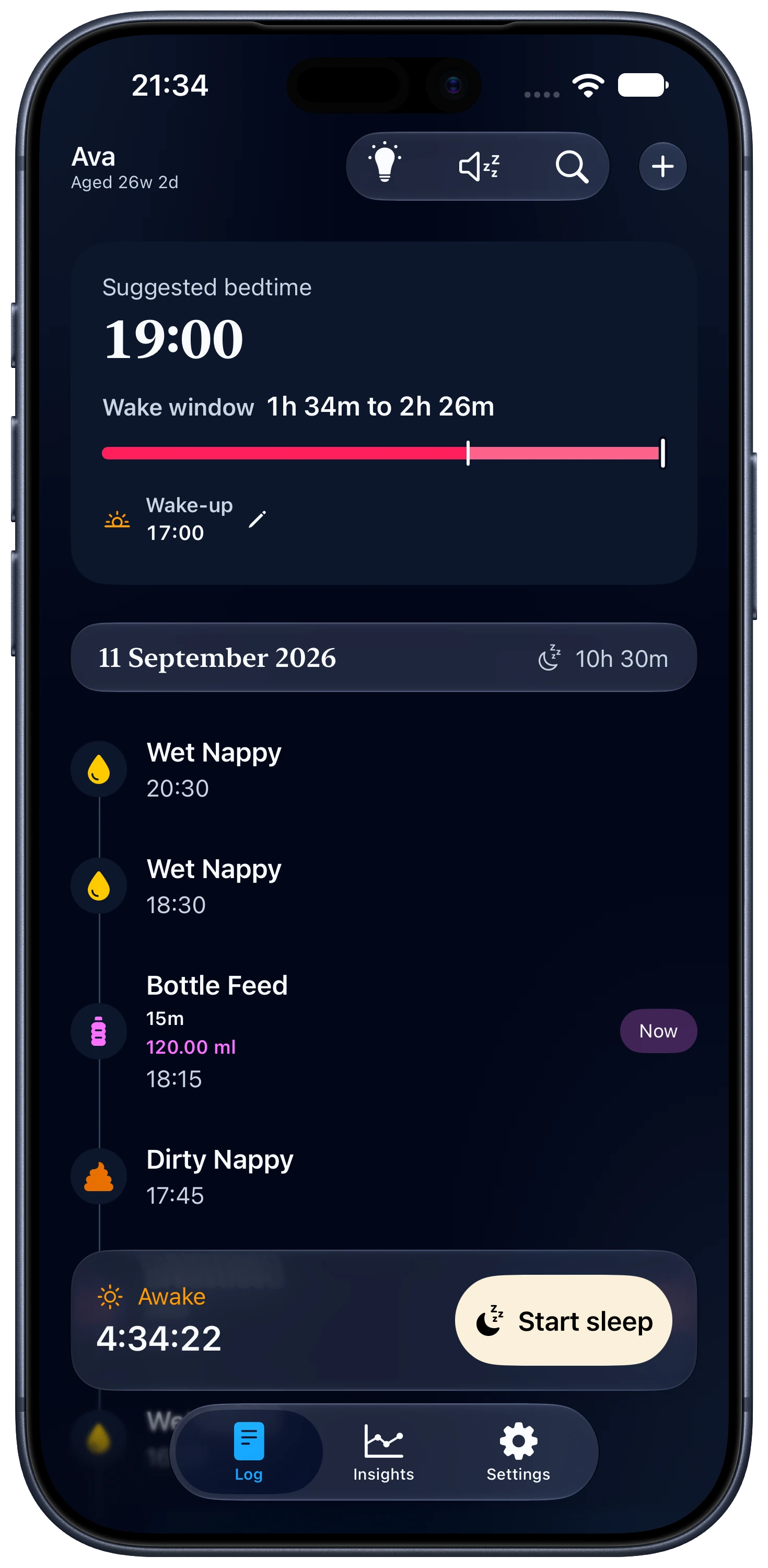
    Wake Wise suggesting a bedtime of 19:00, with a wake window of 1h 34m to 2h 26m
  2. Midnight

    One tap when sleep starts and ends

    See elapsed sleep or awake time without reconstructing the day. The running timer stays on your Lock Screen, and Siri Shortcuts can log sleep for you.

    • FreeSleep and awake-time logging
    • FreeLock Screen Live Activity with the running timer
    • FreeSleep logging with Siri Shortcuts
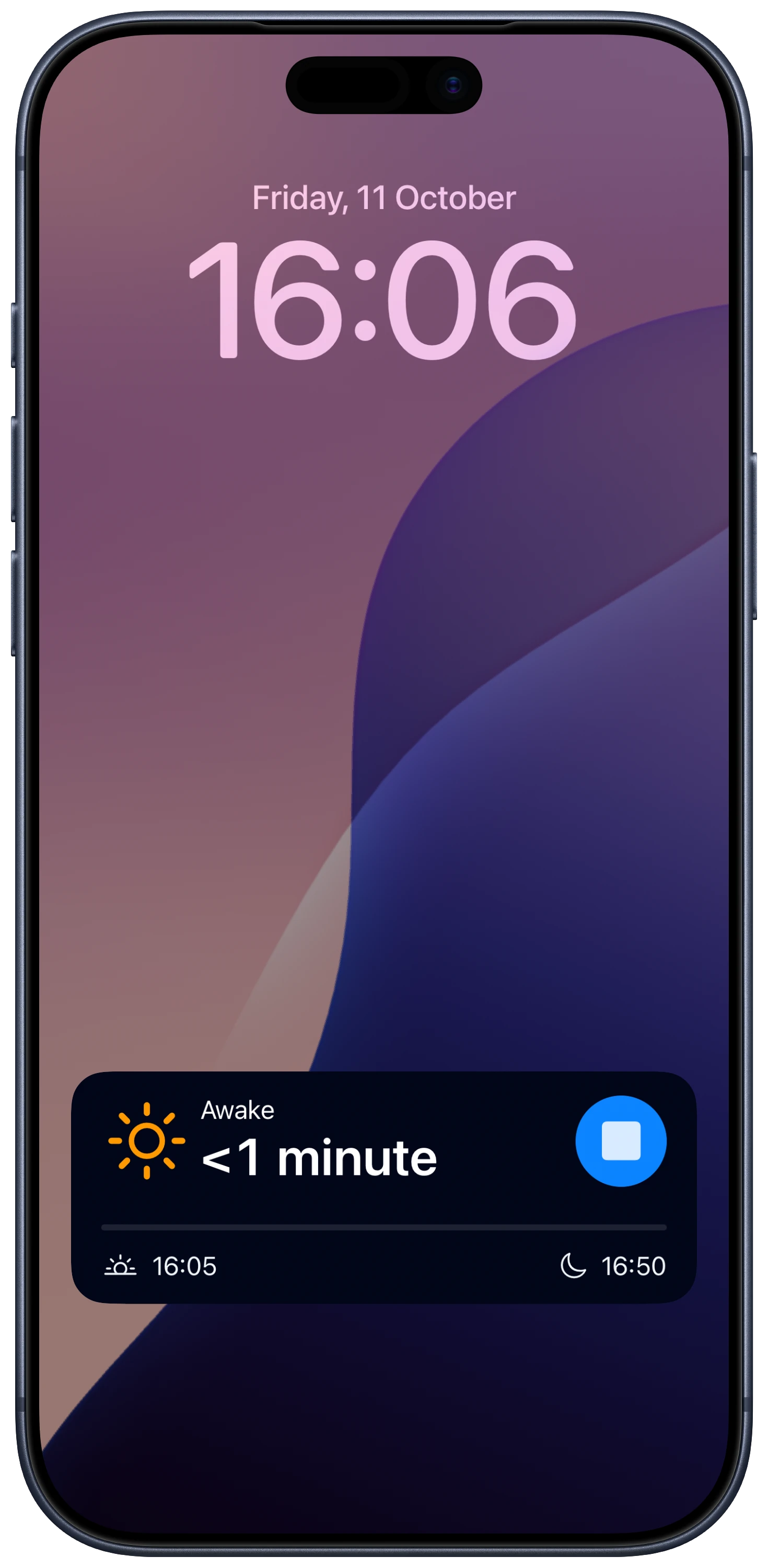
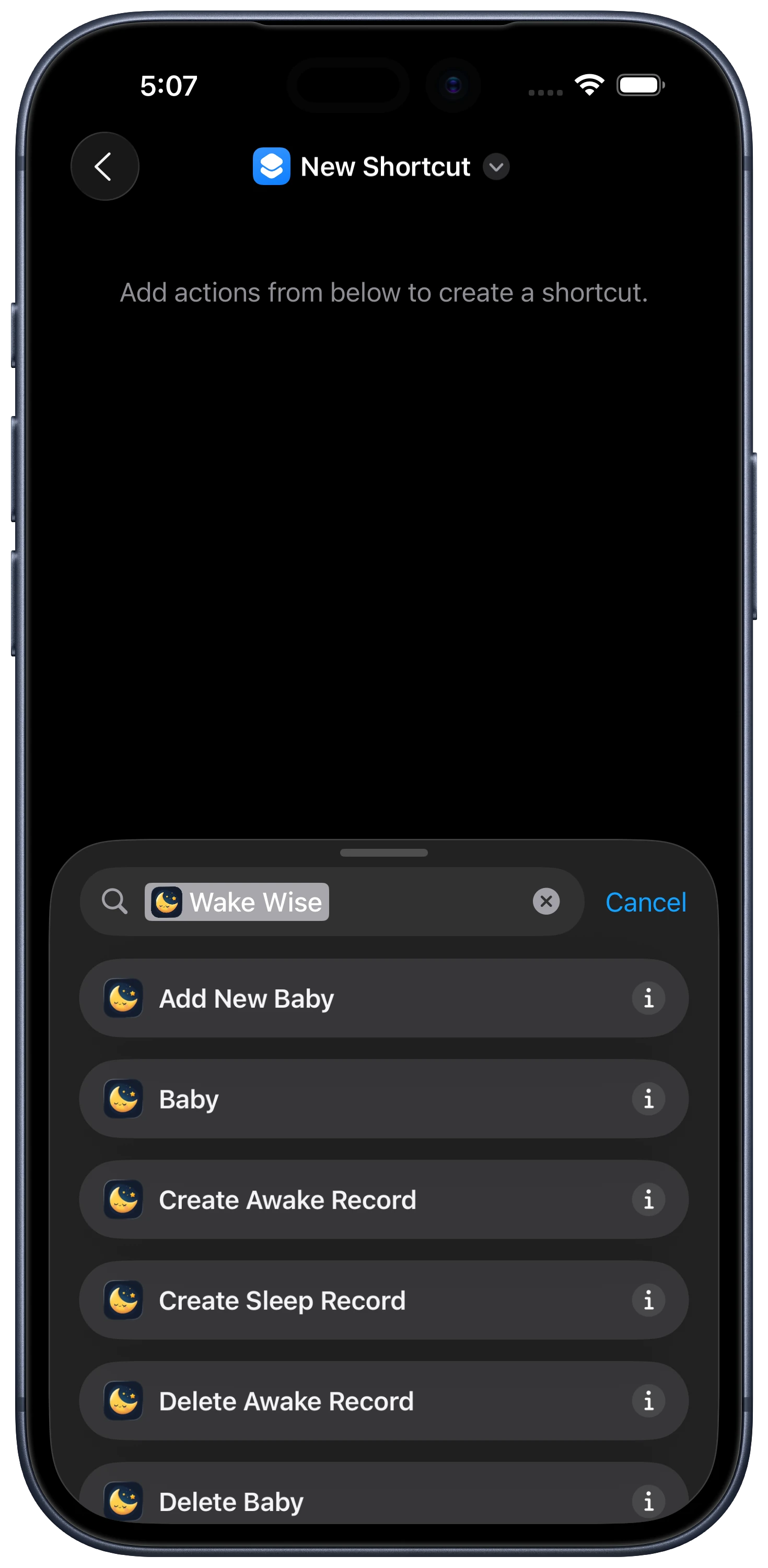
    The Wake Wise Live Activity on the Lock Screen, showing the baby awake for less than a minuteWake Wise actions in the Shortcuts app, such as Create Sleep Record
  3. Small hours

    Feeds, nappies and a quieter room

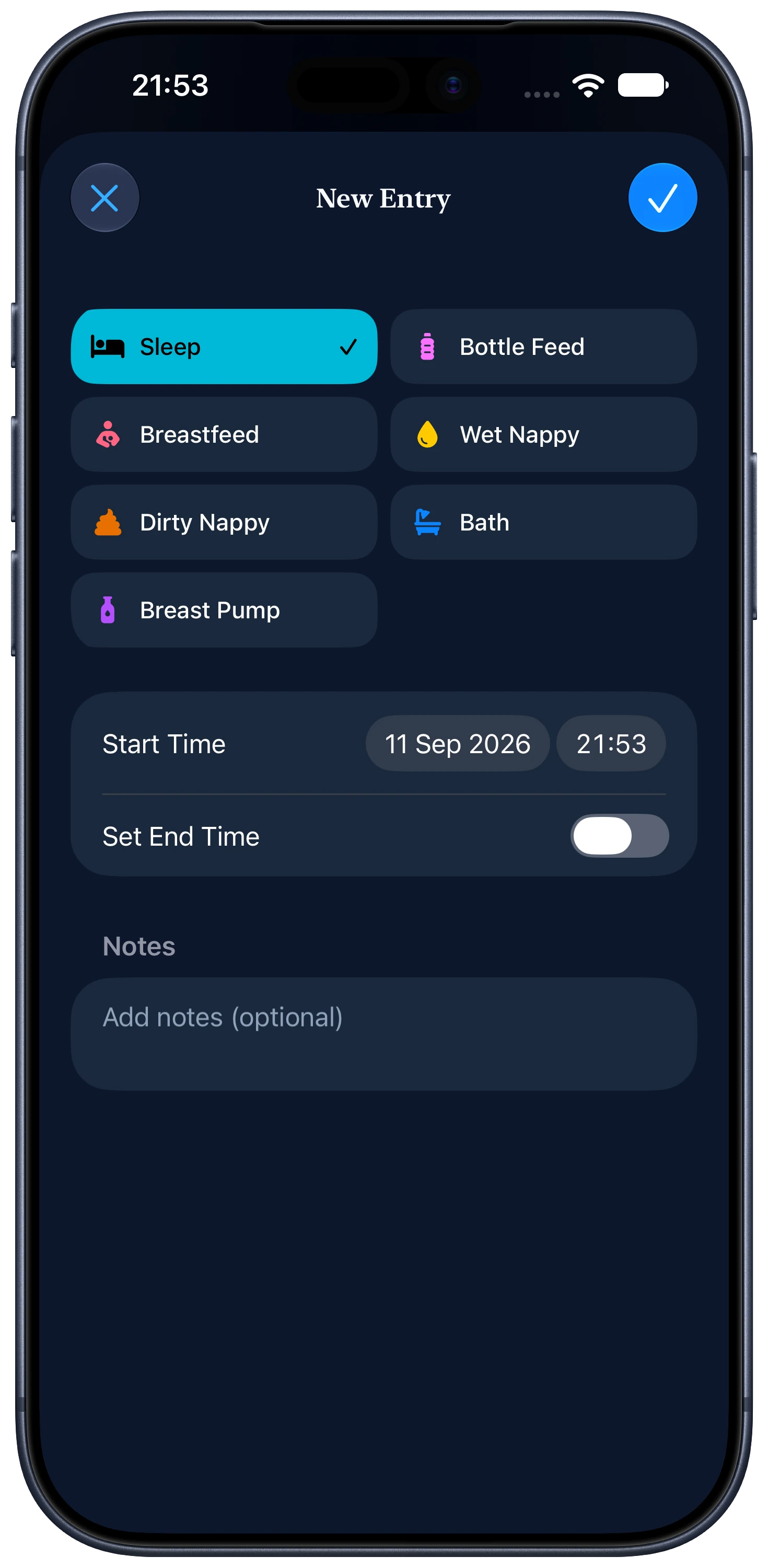
    Log the feed, the bottle volume or the nappy change, then get back to bed. Loop white noise for free, or switch the screen to a full-screen red light with Pro.

    • ProFeed, bottle-volume, nappy, bath, and pumping logs
    • ProCare logging with Siri Shortcuts
    • FreeLooping white noise
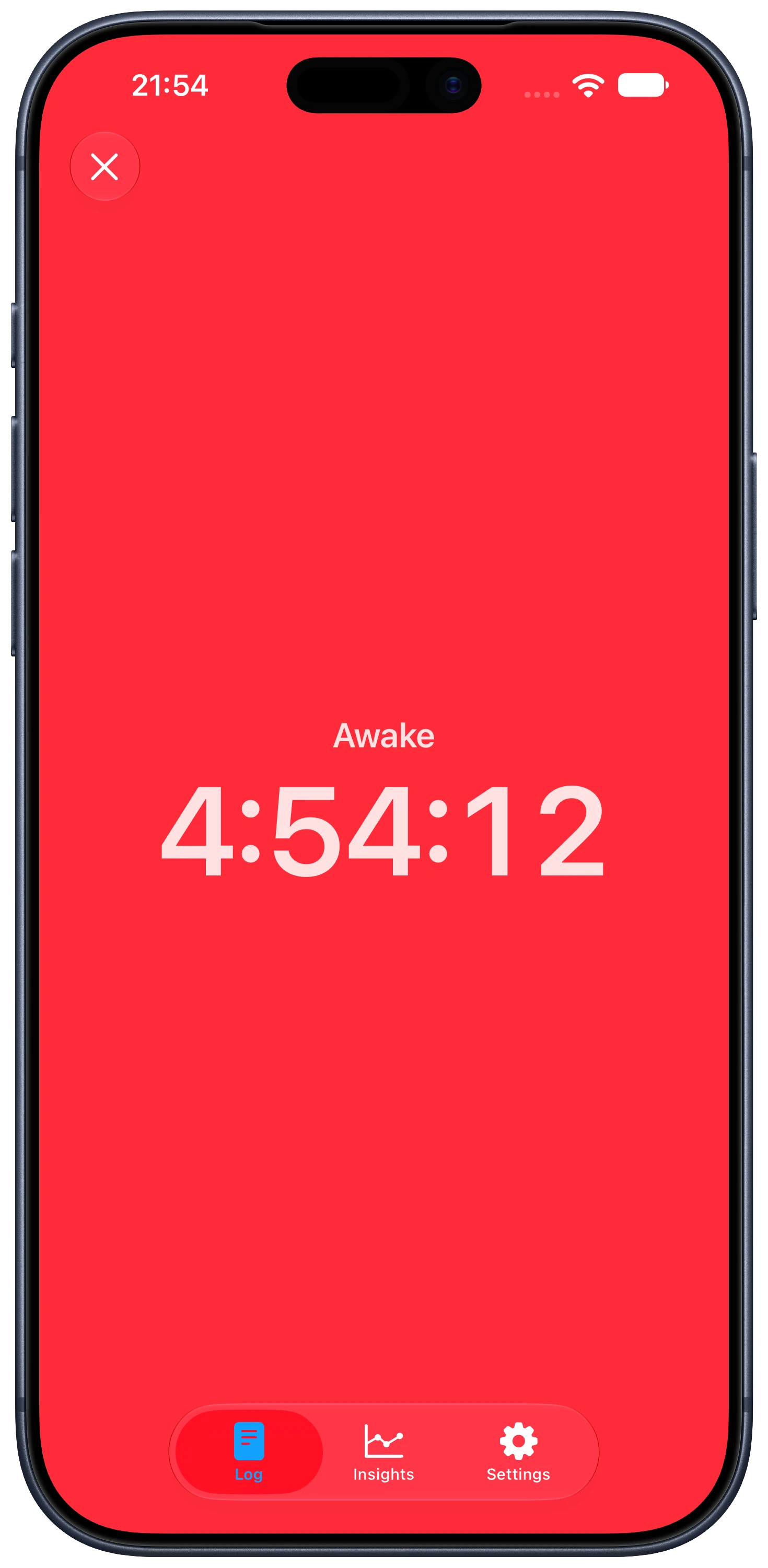
    • ProFull-screen red light
    Play free white noise in your browser
    The Wake Wise New Entry screen with sleep, feed, nappy, bath and pump optionsThe Wake Wise full-screen red light showing the awake timer
  4. Dawn

    Morning, with the night already written down

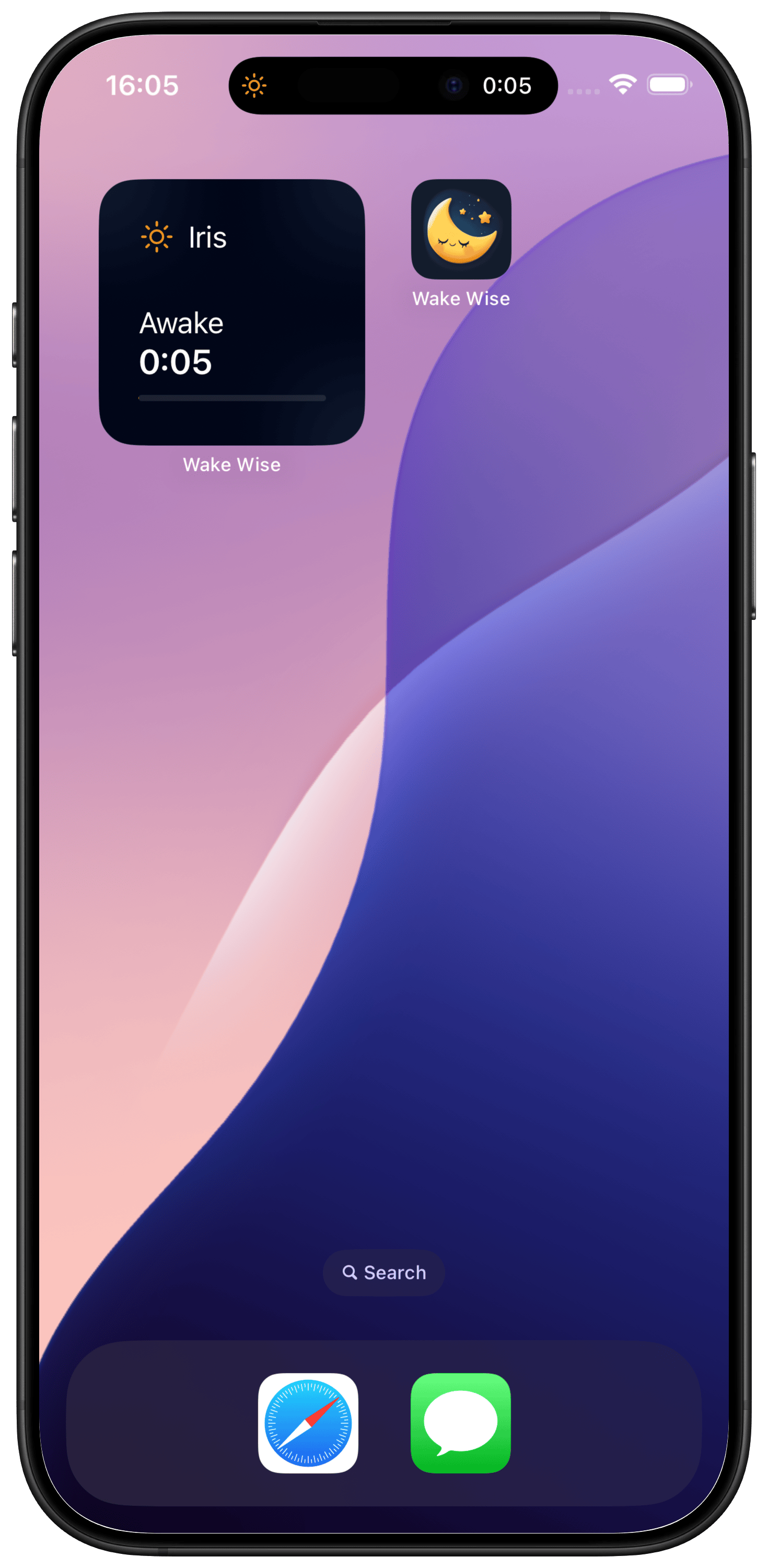
    Every sleep you logged is on the timeline when you wake. Missed one? Add it by hand. With Pro, glance at a Home Screen widget, read weekly sleep and care summaries, or export a CSV.

    • FreeManual sleep entries
    • ProHome Screen widgets
    • ProWeekly sleep and care summaries, and CSV export
    A Wake Wise widget on the iPhone Home Screen showing the baby awake for 5 minutes

Start free. Add Pro when you want guidance.

Free

Start with the tracker

Keep the core sleep timeline without paying or creating a Wake Wise account.

  • Sleep and awake-time logging
  • Manual sleep entries
  • Looping white noise
  • Lock Screen Live Activity with the running timer
  • Sleep logging with Siri Shortcuts

Pro

Add guidance and care logs

Upgrade when you want a next-sleep guide and a fuller record of the day.

  • Next-sleep estimate from your baby's age and recent logged wake windows
  • Suggested bedtime in the Live Activity, and bedtime reminders
  • Feed, bottle-volume, nappy, bath, and pumping logs
  • Care logging with Siri Shortcuts
  • Home Screen widgets
  • Weekly sleep and care summaries, and CSV export
  • Full-screen red light
Compare Free and Pro

A helpful estimate, not a promise

Wake Wise turns timestamps into a clearer daily view. Suggested times start from your baby's age and, once you have logged enough wake windows, also use their recent ones. They are estimates, not predictions or medical advice. Use them alongside your baby's cues. If you are concerned about feeding, breathing, development, or sleep, speak to a qualified healthcare professional.

Make the next nap easier to plan

Start with free sleep tracking. Add Pro when you want a next-sleep estimate, reminders, and a fuller picture of the day.

Uneed POTD2 Badge